Overview
Gratis DB is a database maintenance and diagnostics toolkit. It reports SQLite migration readiness, optimizes your MySQL/MariaDB tables to reclaim wasted overhead, and records slow queries so you can find performance problems. All of it lives on one screen under the Tools menu, and the logging features stay off until you enable them.
Opening the settings screen
- In the WordPress admin sidebar, hover Tools.
- Click Gratis DB (URL:
/wp-admin/tools.php?page=gratis-db). - Review the status, run the optimizer, or change the slow query log options below.
SQLite module status
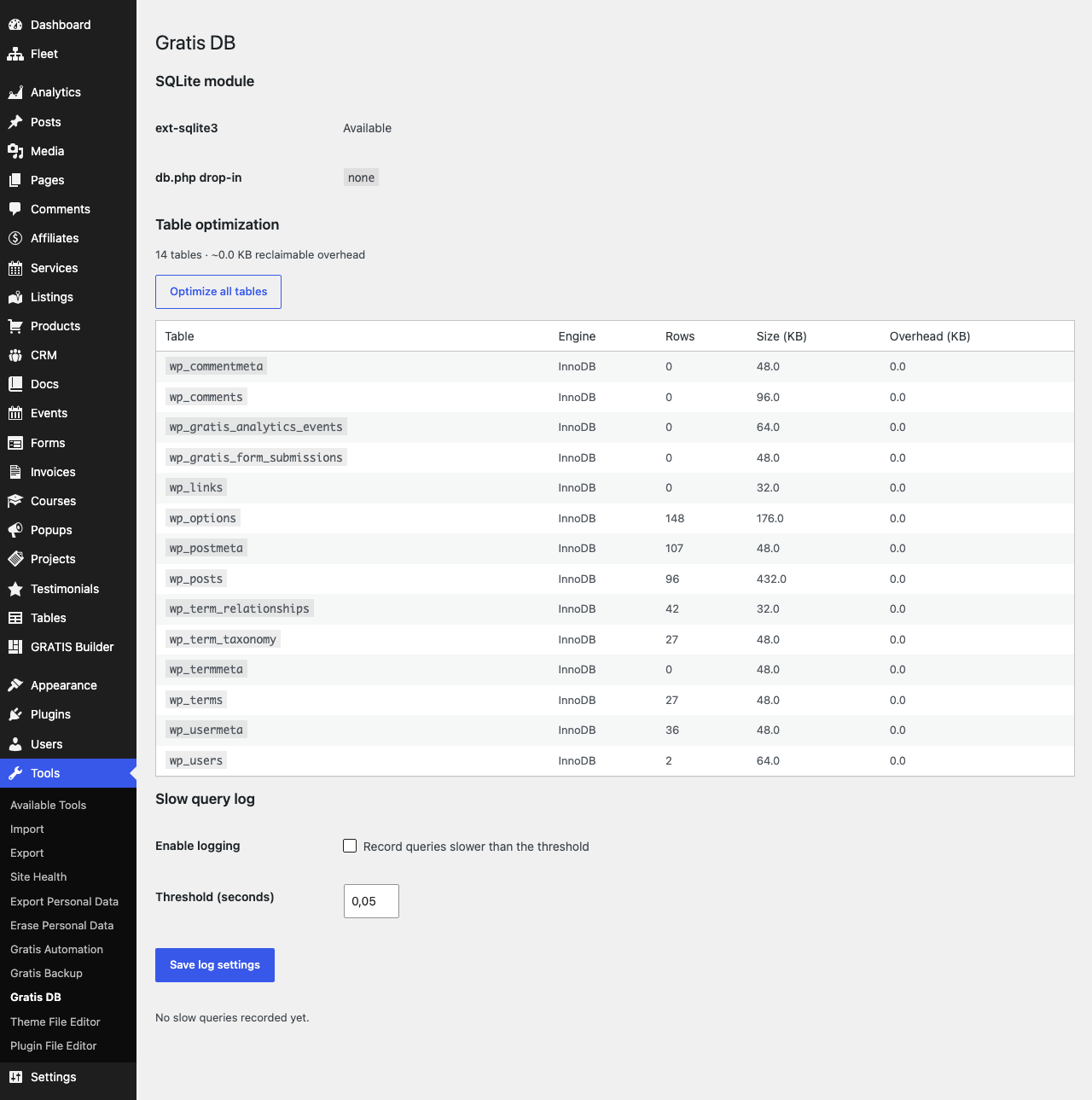
The top of the page summarises whether your environment is ready for the optional SQLite database module:
- ext-sqlite3 — shows
AvailableorNot availabledepending on whether the PHP SQLite3 extension is loaded. - db.php drop-in — shows which database drop-in is currently installed, so you can confirm whether the SQLite drop-in is active.
Table optimization
This section lists every database table with its storage engine, row count, size, and reclaimable overhead, and reports the total overhead you can recover. Click Optimize all tables to run the optimization in one pass; a notice confirms how many tables were optimized. Running it periodically keeps tables compact after lots of inserts and deletes.
Slow query log
- Enable logging — records any query that runs slower than the threshold. Off by default because capturing queries adds a small amount of overhead; turn it on while diagnosing, then off again.
- Threshold (seconds) — the cutoff above which a query is logged. Default
0.05seconds; values are clamped to a sensible 0.001–10 range. - Clear log — empties the recorded entries. Logged rows show each query’s duration, the SQL, and the time it ran (UTC).
Recommended starting point
- Run Optimize all tables once to reclaim existing overhead.
- Enable the slow query log with the default
0.05s threshold while investigating a slow page. - Review the logged queries, then disable logging and Clear log when you are done.
- Check the SQLite module status before attempting any SQLite migration.