Overview
Gratis Commerce is a lightweight store that sells products through Stripe Checkout without a heavy cart, plus an optional enhancement layer for existing WooCommerce shops (product quick view, wishlist, side-by-side compare, and AJAX attribute filtering). Products and orders are managed as native WordPress post types, so there is no separate dashboard to learn.
Managing products and orders
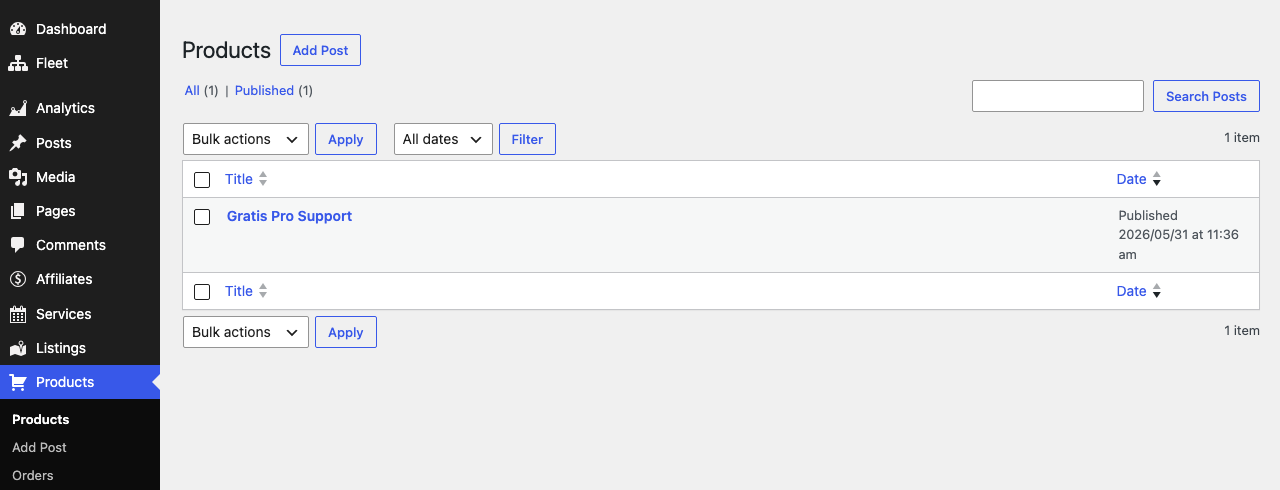
- In the WordPress admin sidebar, open Products (the
gratis_productpost type, shown with a cart icon). - Click Add New to create a product, giving it a title, description, and featured image, then publish it. Products are public at the
/products/archive. - Find Orders in the same Products menu (the
gratis_orderpost type) to review completed purchases.
Product fields
Each product stores these meta values (editable via the Custom Fields panel and exposed in the REST API):
- Price (
_price) — the product’s regular price; used to build the Stripe Checkout amount. - Sale price (
_sale_price) — an optional reduced price. - Downloadable (
_downloadable) — marks the product as a digital download rather than a shipped item. - Download URL (
_download_url) — the file delivered for a downloadable product.
Orders
Orders are created automatically when Stripe confirms a payment. The plugin listens for the checkout.session.completed webhook event and records an order with the purchased product ID (_product_id), amount (_amount), customer email (_customer), and the originating Stripe session ID (_stripe_id). Orders are private to the admin and not publicly viewable.
Stripe checkout configuration
Checkout uses your Stripe secret key, stored in the gratis_commerce_stripe_secret option. There is no dedicated settings screen, so set it programmatically or with WP-CLI, for example wp option update gratis_commerce_stripe_secret sk_live_…. Two REST endpoints power the flow:
- Create checkout session —
POST /wp-json/gratis-commerce/v1/checkout/<product_id>returns a Stripe Checkout URL to redirect the buyer to. - Stripe webhook —
POST /wp-json/gratis-commerce/v1/webhookreceives payment events and creates the order. Point your Stripe webhook at this URL.
WooCommerce enhancements and shortcodes
When WooCommerce is active, an extra layer adds product quick view, wishlist, compare, and AJAX filtering (if WooCommerce is not installed, a dismissible admin notice explains the requirement). These shortcodes are available:
- Wishlist — renders the visitor’s saved products as a grid.
[gratis_wishlist] - Compare — shows a side-by-side comparison of products the visitor selected.
[gratis_compare] - Product filter — an AJAX attribute filter for product listings.
[gratis_product_filter]
Tips
- For the standalone store, set
gratis_commerce_stripe_secretfirst, then add products with a Price. - Register the
/wp-json/gratis-commerce/v1/webhookURL in your Stripe dashboard so orders are recorded. - Use the
[gratis_wishlist],[gratis_compare], and[gratis_product_filter]shortcodes only on a WooCommerce-powered site.