Overview
GRATIS Builder extends the native WordPress block editor (Gutenberg) with a library of ready-made block patterns, a sandboxed pattern preview browser, custom pattern categories, and an AI layout-generation endpoint. It is AI-ready rather than a separate page builder: everything it produces is standard core-block markup you can edit in the normal editor.
Opening GRATIS Builder
- In the WordPress admin sidebar, click GRATIS Builder (URL:
/wp-admin/admin.php?page=gratis-builder). - Use the subpages — Patterns, Categories, and AI Settings — to browse patterns and configure the builder.
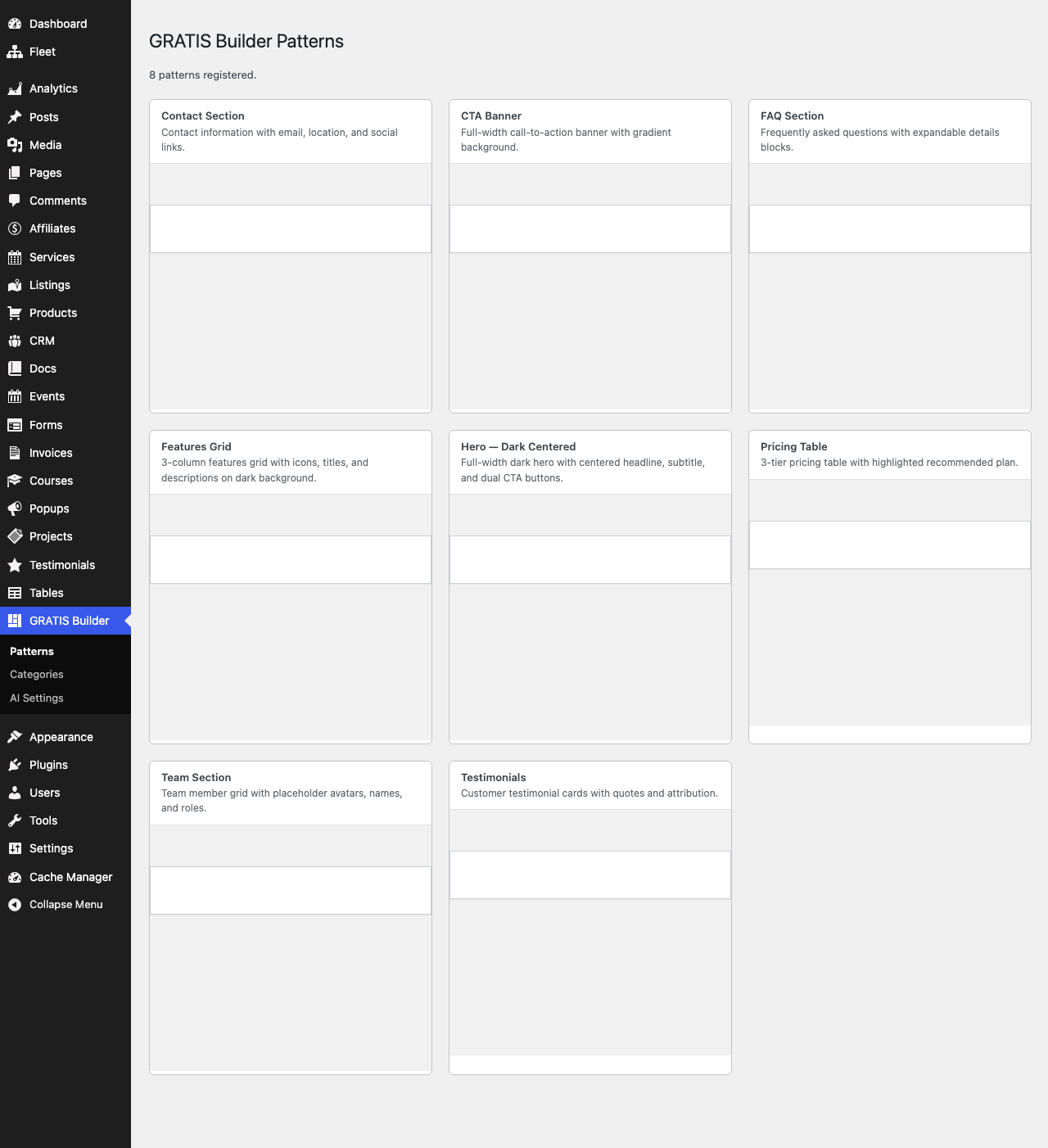
Patterns browser
The Patterns page lists every pattern registered in the gratis-builder/ namespace and renders each one inside a sandboxed iframe preview (scripts disabled), so you can see a pattern before using it. Bundled patterns include a hero, CTA banner, pricing table, team section, testimonials, contact section, FAQ, and features grid. To use one, insert it from the editor’s pattern inserter under the GRATIS Builder category.
Pattern categories
The Categories page manages your own pattern categories, which are merged into the editor’s pattern list alongside the built-in GRATIS Builder category. Use the Add Category form to create one:
- Label — the human-readable category name shown in the editor.
- Slug — the internal identifier; leave it blank to generate one automatically from the label.
Existing custom categories are listed with a Delete action. Categories are stored in the gratis_builder_pattern_categories option.
AI Settings
The AI Settings page rate-limits the AI layout endpoint (POST /wp-json/gratis-builder/v1/generate), which turns a text prompt into block markup — routed through Gratis AI when available, with a deterministic pattern-assembly fallback. The options are:
- Requests per window — the maximum AI generations allowed per user within each window. Default
20; set it to0for unlimited. - Window (seconds) — the length of the rate-limit window. Default
3600(one hour).
Directory listings and shortcode
GRATIS Builder also includes a lightweight directory feature. It registers a Listings custom post type (gratis_listing) with Categories (listing_category) and Locations (listing_location) taxonomies and meta for address, coordinates, rating, website, and phone. A REST route at /wp-json/gratis-builder/v1/listings powers search and filtering.
- Listing submission form — a front-end form letting logged-in users submit a listing. Example:
Please log in to submit a listing.
Recommended starting point
- Open Patterns and preview the bundled patterns, then insert one from the editor’s pattern library.
- Add a Category or two if you plan to organise your own patterns.
- Leave Requests per window at
20and the Window at3600unless you need stricter or looser AI limits. - Add
Please log in to submit a listing.