Overview
Gratis Analytics is a privacy-first, self-hosted page view tracker. It is cookie-free and stores no personal data — visitors are counted with a salted hash that rotates daily and cannot be reversed — so it stays GDPR-friendly without a consent banner. Page views are kept in your own database and pruned automatically after a retention window you choose.
Dashboard and settings
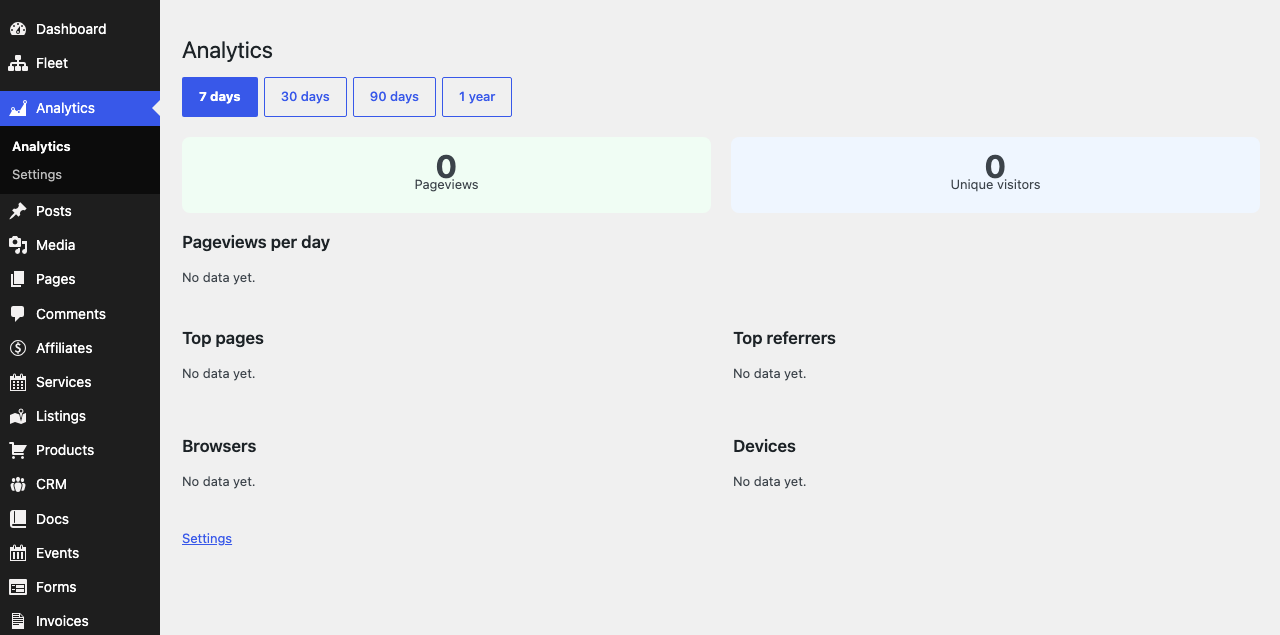
Gratis Analytics adds a top-level Analytics menu. The main entry opens the reporting Dashboard, while a Settings submenu holds the options documented here. The dashboard is where you read traffic; the settings screen is where you control what gets collected and for how long.
Opening the settings screen
- In the WordPress admin sidebar, open Analytics.
- Click Settings (URL:
/wp-admin/admin.php?page=gratis-analytics-settings). - Adjust the options below, then click Save Changes.
Tracking options
- Enable page view tracking — the master switch. When on, a small cookie-free beacon records a page view on each front-end visit; when off, nothing is collected.
- Also track views from logged-in users — off by default so your own admin and editor visits are not counted. Turn it on only if you want member activity included in the figures.
- Honour the browser Do Not Track (DNT) signal — when enabled, visitors whose browser sends a DNT header are not tracked at all. On by default for maximum privacy.
Data retention
- Data retention (days) — page views older than this are deleted by a daily cleanup job. The default is
365days; the value can be set anywhere from0to3650(ten years). Set it to0to keep data forever.
Shorter retention minimises stored data and keeps the analytics table small; longer retention lets you compare year-over-year trends. The pruning task runs once a day in the background, so changes take effect on the next scheduled run.
Privacy notes
Because no cookies are set and visitor identifiers are one-way hashes that reset daily, the plugin cannot follow people across sites or sessions. It also registers content for WordPress’s privacy-policy tool, so you can document the collection in your own policy. This makes it a lightweight alternative to third-party analytics that require consent prompts.
Recommended starting point
- Keep Enable page view tracking on and leave Honour Do Not Track enabled.
- Leave track logged-in users off so staff visits do not inflate your numbers.
- Pick a retention window that matches your needs —
365days suits most sites; lower it if you want to store as little as possible. - Open the Dashboard after a day or two to confirm views are being recorded.